MacBooks for Students in 2025
Let’s face it — buying a laptop is a big decision, especially as a student. You need something that can keep up with lectures, assignments, side projects, Netflix marathons, and everything in between. And if you're leaning Apple, there are more choices than ever. So here’s your no-fluff guide to the best MacBooks right now — which one to get, what it’s great at, and how to save money without losing performance.
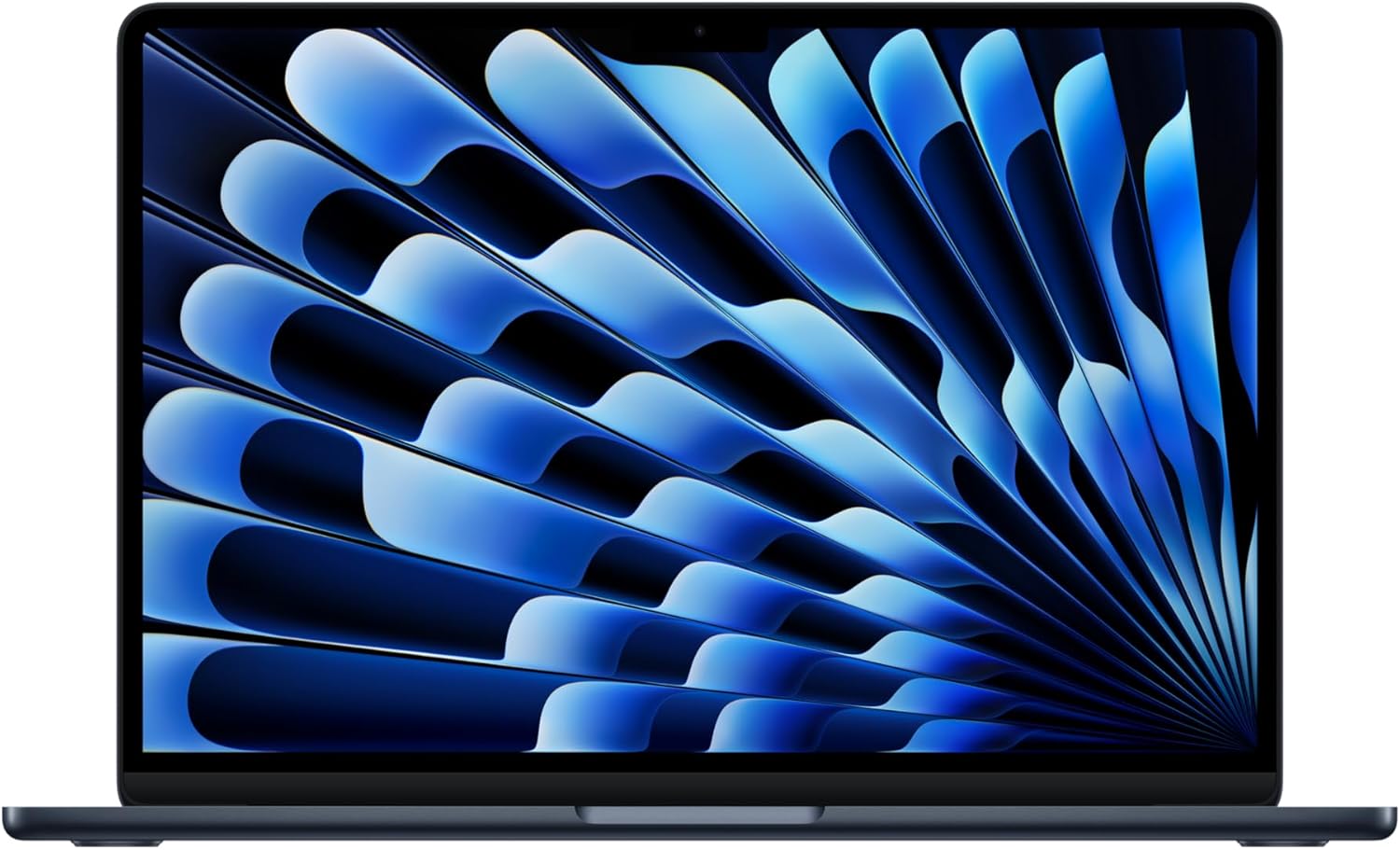
Top Pick: MacBook Air (13", M4, 2025)
Price: Starts around $999
Best for: Most students who want a reliable, modern Mac that’s fast, lightweight, and long-lasting.
Why It’s Great:
- Fast and future-proof: Apple’s M4 chip is powerful enough for everything from essay writing and web browsing to light video editing and coding projects.
- Super portable: At under half an inch thick, it slides into your backpack without adding bulk. Weighs only about 2.7 lbs — perfect for carrying across campus.
- Bright, sharp display: Colors pop, text is crisp, and it’s bright enough for use even outdoors or by a sunny window.
- New 12MP webcam: Way better for Zoom classes or remote internships. Finally, your video won’t look like a pixelated potato.
- MagSafe charging: The charger clicks on magnetically — if someone trips on your cable, your laptop won’t fly off the table. (Yes, it’s happened.)
- Battery life: Easily lasts a full school day and then some — often 14+ hours of real-world use.
Good to Know:
- Comes with 16 GB memory and 256 GB storage — which is plenty for most. If you need more space, it’s smarter to get an external drive or use cloud storage (Apple charges a lot for storage upgrades).
- You get 2 Thunderbolt/USB-C ports + 1 headphone jack. It’s just enough, but if you use lots of accessories, consider getting a USB-C hub.
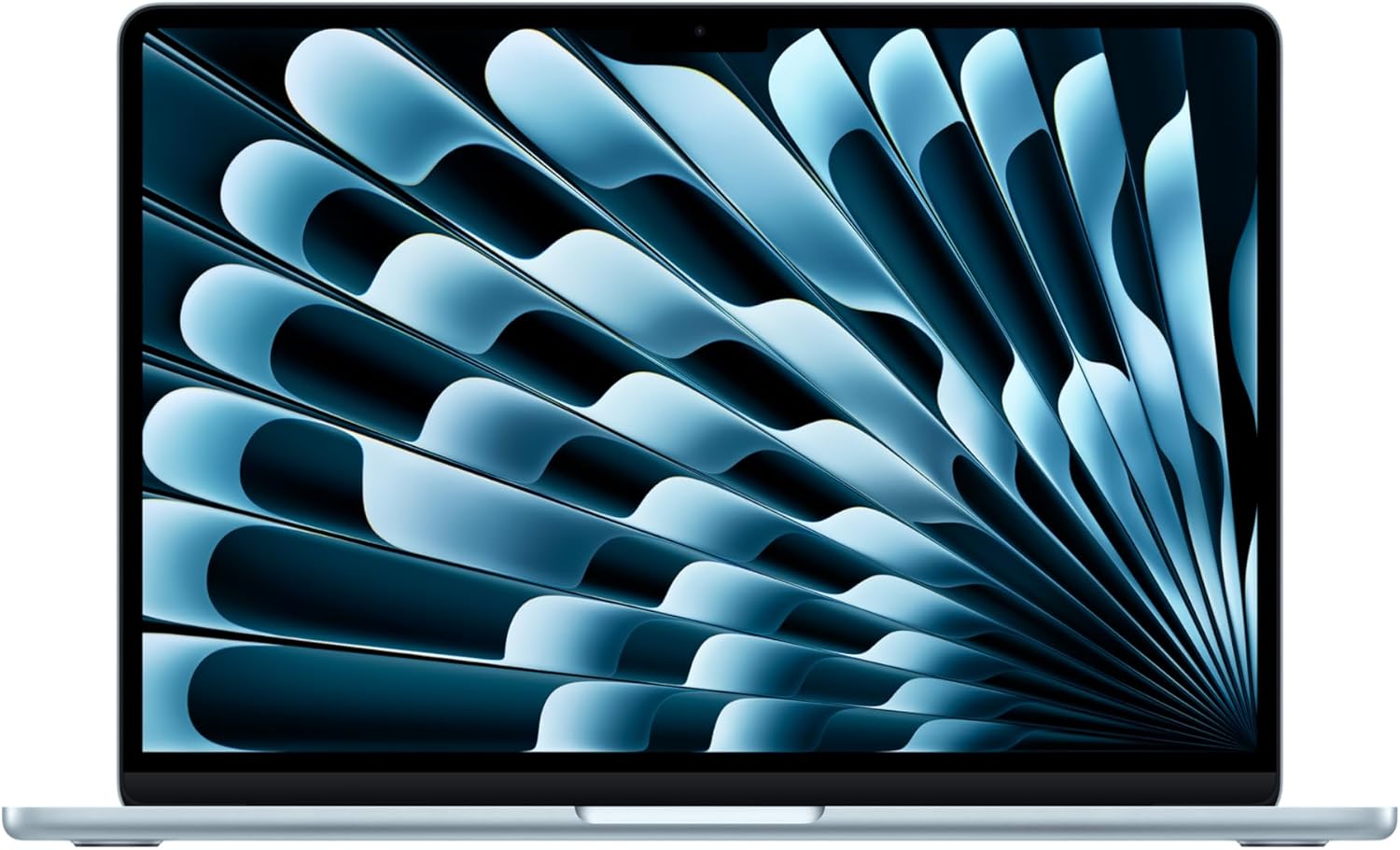
Best Budget Pick: MacBook Air (13", M1, 2020)
Price: Now as low as $850 (and sometimes even less on sale!)
Best for: Students who want a high-quality Mac experience without spending over $1K.
Why It’s Still a Great Buy:
- Still powerful in 2025: The M1 chip is fast enough for most student needs — web browsing, docs, streaming, even some light creative work.
- Silent performance: No fan = completely quiet even during heavy tasks.
- Excellent battery life: One of the longest-lasting laptops ever made — a true workhorse for full days of class or study marathons.
- Beautiful screen: It’s the same high-resolution Retina display Apple is known for. Colors and text look sharp and accurate.
Sturdy build, reliable keyboard, smooth trackpad. Classic Apple design at a student-friendly price.
What You’re Giving Up:
- Slightly older design and ports (2 USB-C/Thunderbolt 3 ports and a headphone jack).
Doesn’t support dual external monitors. - Webcam isn’t as good as the newer M4 version (but still works fine for casual calls).
Bottom line: If you want a Mac and your budget is tight, the M1 Air is a steal.
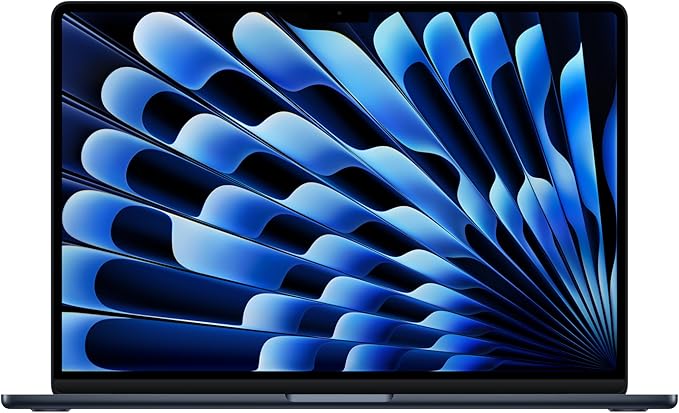
Upgrade Pick: MacBook Air (15", M4, 2025)
Price: Starts around $1,299
Best for: Students who want more screen space, louder speakers, and a better multitasking experience — especially useful for creatives or media majors.
Why Upgrade:
- Big, immersive 15.3” screen: Great for watching lectures, editing video, side-by-side multitasking, or simply if you prefer a larger workspace.
- Same blazing-fast M4 chip: You’re getting all the performance benefits of the 13” M4 Air but in a bigger format.
- Upgraded speakers: Louder, fuller sound. Perfect for movie nights, music production, or just better Zoom audio.
- Better thermal performance: The larger body helps keep the laptop cooler, especially during long rendering or exporting tasks.
- Same great webcam, ports, and battery life as the 13″ version.
Consider This:
- It’s still super slim and lightweight (3.3 lbs), but it’s not as compact as the 13″.
- Slightly more expensive — but worth it if screen size matters to you.
Why a MacBook Might Be Right for You
- macOS is seamless and stable — easy to use and integrates beautifully with iPhones, iPads, and Apple services like iCloud and Airdrop.
- Long-term support: Apple tends to support their laptops for 6+ years with software updates.
- Battery life and build quality: Still among the best in the industry.
- Apple Store access: If anything goes wrong, help is nearby.
If you’re just starting college, working part-time, or building your side hustle, the 13” MacBook Air (M4) is a rock-solid pick that’ll last years. But if your wallet’s tighter, the M1 Air gives you serious value without compromise. And if you’re creating, editing, or just want more screen space? The 15” Air gives you room to breathe.